Introduction
Mobile phones are no longer just communication devices—they are powerful productivity tools. With the right tricks and AI tools, you can save time, organize your life, and work smarter, all from your phone. In this blog, we’ll share 10 essential mobile tricks and show how AI tools can enhance your everyday tasks.
1. Use Smart Shortcuts to Save Time
Many smartphones allow you to create custom shortcuts for frequent actions, like sending a message, opening an app, or even setting reminders.
Example:
- On Android: Use Google Assistant Routines to automate daily tasks.
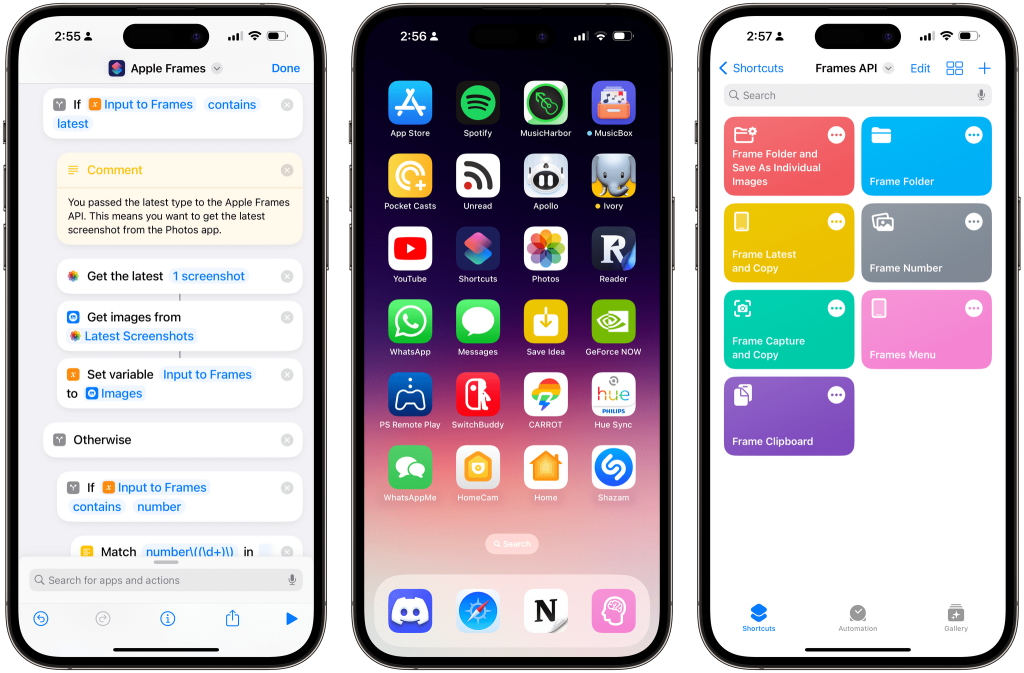
- On iPhone: Use the Shortcuts app to create one-tap actions.
2. AI-Powered Text Prediction
AI tools can now predict your text and email responses. This saves time and improves communication efficiency.
- Tools like Grammarly & Microsoft SwiftKey suggest words or entire sentences.
- Perfect for emails, chat apps, and notes.
Tip: Enable predictive typing in your keyboard settings for faster typing.
3. Manage Notifications with AI
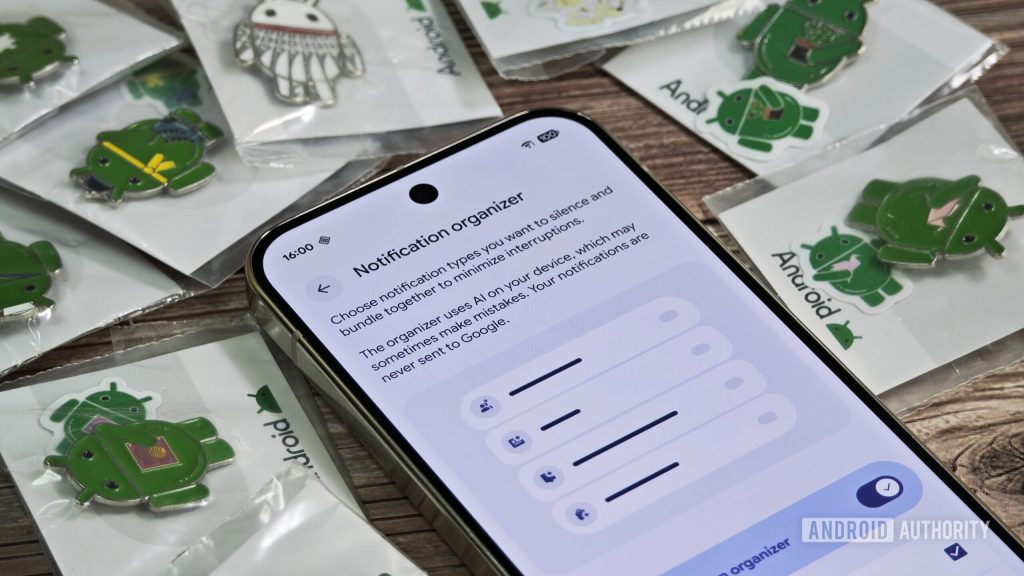
Too many notifications can be overwhelming. Use AI tools to filter and prioritize notifications:
| Tool | Feature | Benefit |
|---|---|---|
| Notisave | Save & categorize notifications | Never miss important updates |
| FilterBox | AI-based notification sorting | Reduces distraction |
| Do Not Disturb AI | Smart silence schedule | Improves focus |
4. Automate Routine Tasks
Automation is key to productivity. AI tools can help:
- Task Scheduling: Google Calendar AI suggests best times for meetings.
- Email Sorting: Gmail AI sorts emails into categories automatically.
- Expense Tracking: Mint app AI predicts and categorizes spending.
5. Use AI for Smart Photography
Your phone camera can do more with AI:
- AI Scene Detection: Automatically adjust settings for the best shot.
- Background Blur Tools: Use AI to make professional-looking photos.
Tip: Apps like Snapseed or Adobe Lightroom Mobile enhance images with AI filters.
6. Voice-to-Text for Speed
AI voice-to-text tools can save hours in note-taking or content creation.
- Google Assistant and Siri are built-in options.
- Third-party apps like Otter.ai are excellent for meetings or lectures.
7. AI Chatbots for Quick Answers
AI chatbots are great for instant information:
| Chatbot | Use Case | Key Feature |
|---|---|---|
| ChatGPT Mobile | Research & content creation | Human-like responses |
| Replika | Mental health support | Personalized AI chats |
| Socratic | Study help | Step-by-step problem solving |
8. Enhance Security with AI
AI tools improve mobile security:
- Face unlock and fingerprint scanners are AI-powered.
- Apps like LastPass suggest strong passwords and detect breaches.
9. Optimize Battery Life Using AI
Battery optimization apps use AI to predict usage and save power:
- AccuBattery monitors battery health.
- Greenify detects battery-draining apps.
10. Learn Smarter with AI Apps
AI can make learning easier:
- Duolingo AI customizes lessons based on your pace.
- Photomath solves math problems instantly.
Conclusion
Mobile devices, when combined with AI tools, can dramatically improve productivity, efficiency, and creativity. Start implementing these tricks today to unlock your phone’s full potential.